
Sage model.
This page walks the dialog’s fields and the decisions in them. The authority-mode semantics
behind the Mode field are covered in Authority modes; how values
resolve against secrets and environment variables is covered in
Environment and configuration.
Create a dedicated Mythic bot API token for the chat channel instead of pointing it at your
operator account. Mythic v4 issues bot tokens, and using one keeps attribution clear: tasks
Sage issues are visibly the bot’s, not yours. The channel token needs
apitoken.write (to
generate the scoped tokens the channel tools use) and chat-ai.write (to stream responses back
to the channel). Guarded tools additionally need callback.write, payload.write,
credential.write, or file.write; a tool whose scope the token lacks is disabled up front.
See Scope preflight.
The AI Chat API Token panel at the bottom of the dialog. Choose your operator account or the operation bot as Owner, then pick or create a token that carries both required scopes. The bot name is redacted.
Channel fields
The top of the dialog holds Mythic’s own chat fields, not Sage’s: a Name, a Description, and the Model selector where you pickSage. A Sage Watcher model is also listed; that is
the separate findings-watcher profile documented in
Background findings watcher, not a second assistant.
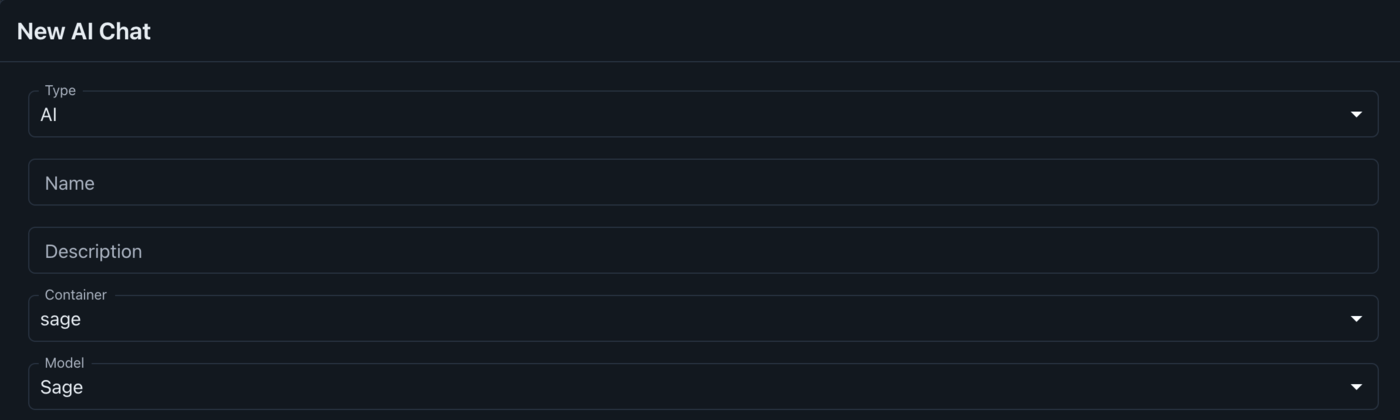
The top of the New AI Chat dialog, with the sage container and the Sage model selected.
Advanced configuration
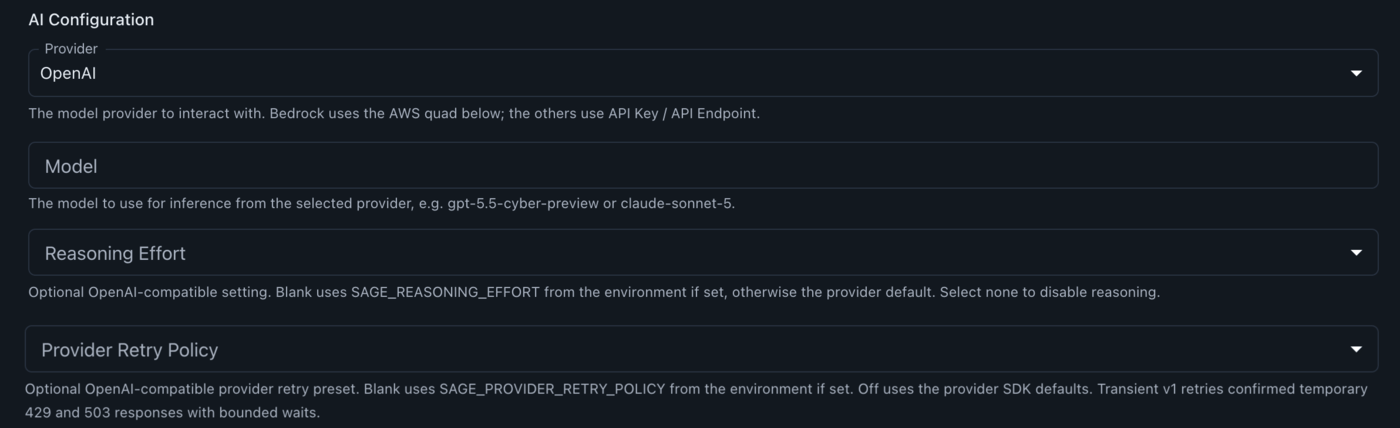
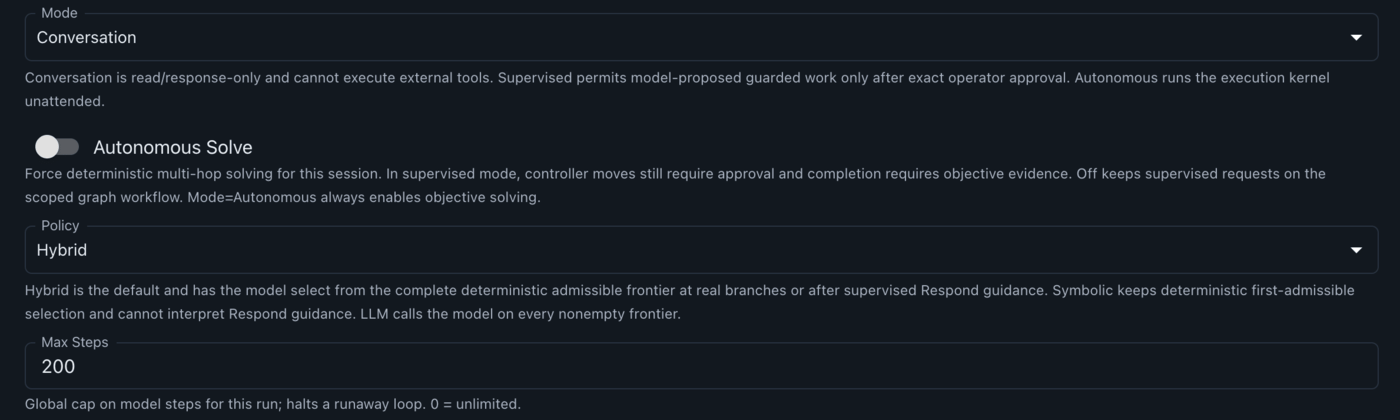
Everything below is Sage’s own configuration, declared inPayload_Type/sage/sage_chat/models.py. Nothing is mandatory: a fresh channel with no fields set
runs as a read-only conversation using the provider defaults.
Model selection
Model selection
Behavior
Behavior
Credentials
Credentials
These resolve field first, then user secret, then container environment. Leaving them blank and
storing them as Mythic user secrets keeps them out of plaintext channel config; see
Environment and configuration for the full chain.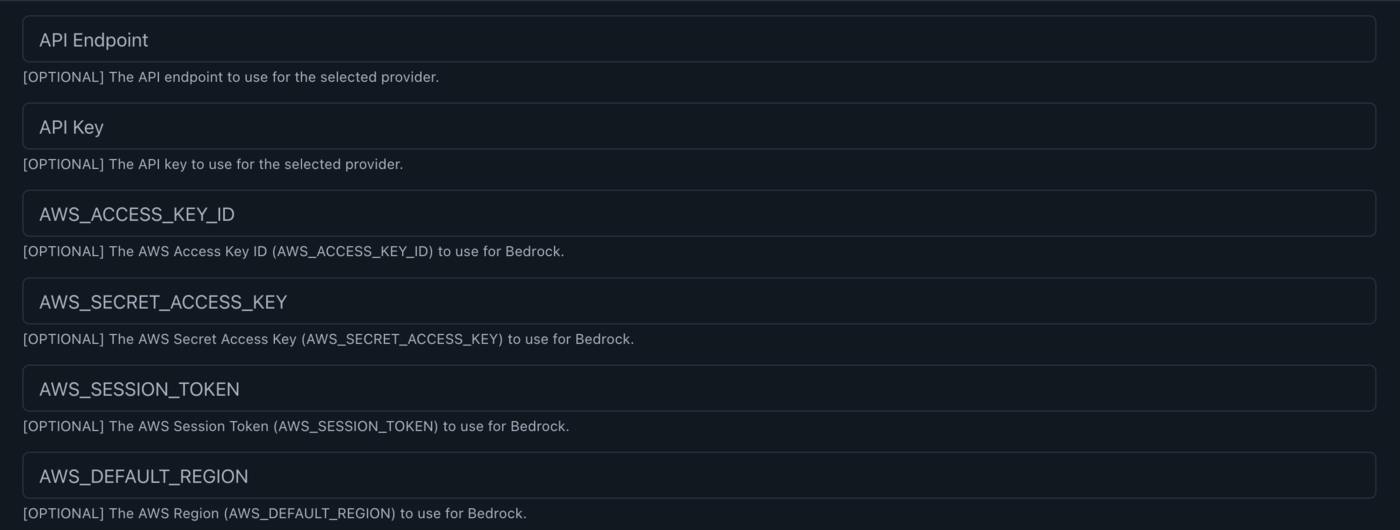
BloodHound
BloodHound
These are resolved in the chat config because the BloodHound MCP server is launched as a
subprocess that receives only a fixed safe subset of Sage’s environment, so a
BLOODHOUND_*
variable set on the container never reaches it by inheritance. Leave every field blank to keep
the server’s own directory .env as the source of truth. Connection details are in
BloodHound.